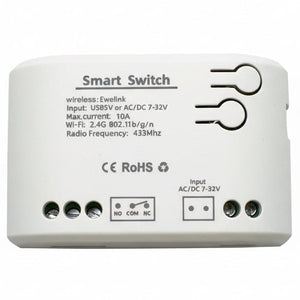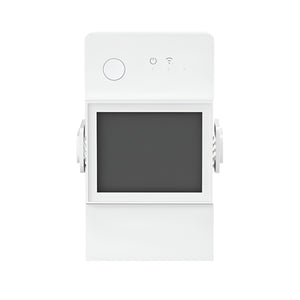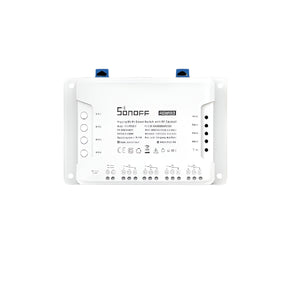
WiFi smart switches:
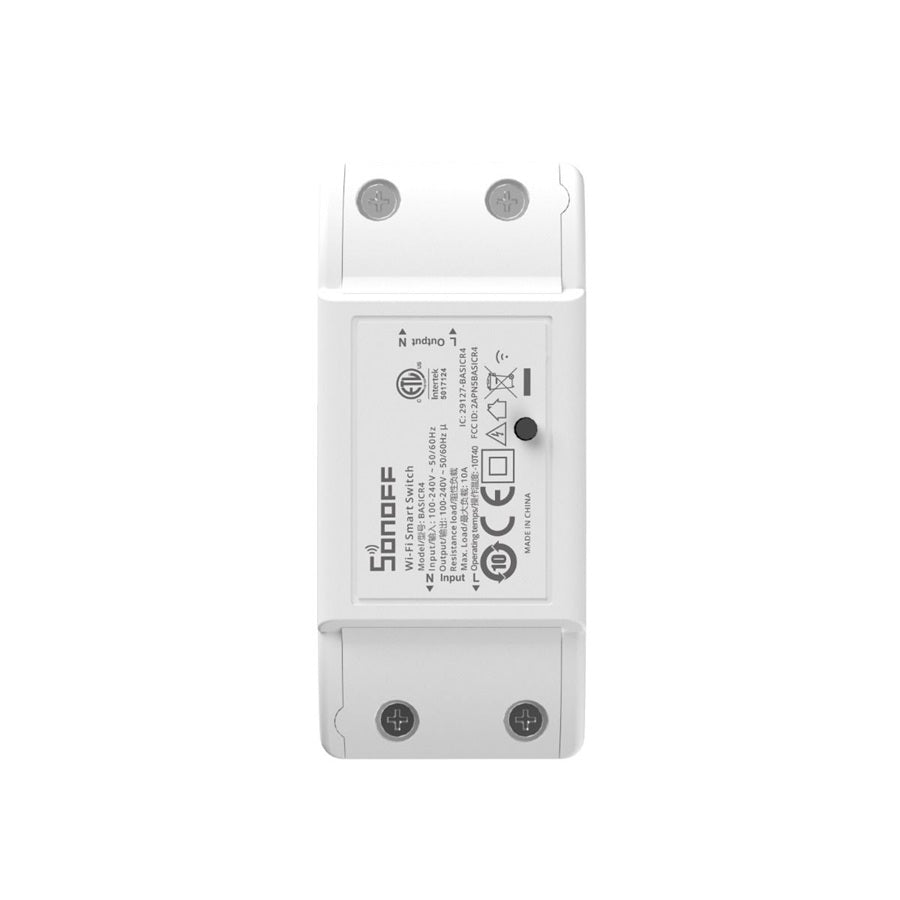
🔘 SONOFF Basic R4 — WiFi Smart Switch (ESP32, Magic Switch Mode, 10A, No Hub)
The simplest way to make any appliance smart. The SONOFF Basic R4 (BASICR4) is a WiFi smart relay powered by the ESP32 chip — faster and more stable than previous generations. Wire it inline with any appliance up to 10A / 2,200W at 220V. Control via the eWeLink app, voice commands, schedules, and smart scenes. Features Magic Switch Mode for compatibility with wall switches, overheat protection, and eWeLink-Remote gateway support for the S-Mate2 and R5 controllers. No hub required — connects directly to your WiFi. MPN: BASICR4.
⚡ Key Features
- ESP32 Chip — faster, more stable WiFi performance than older ESP8266-based models; smoother app response and more reliable connectivity
- 10A / 2,200W at 220V — control lights, pumps, heaters, fans, irrigation solenoids, and most household appliances
- No Hub Required — connects directly to your 2.4 GHz WiFi network; pair via the eWeLink app in seconds
- Magic Switch Mode — keeps the Basic R4 controllable via the app even when the wall switch is turned off; compatible with most double-pole rocker switches and 3W–100W LED/CFL/incandescent loads
- eWeLink-Remote Gateway — pair with S-Mate2 or R5 Scene Controller for two-way local control without WiFi — the Basic R4 acts as the gateway
- Built-In Overheat Protection — temperature sensor monitors heat levels and cuts power if overheating is detected; protects your appliances and wiring
- Schedules & Timers — countdown, daily schedules, and loop timers for automated routines; "Turn on garden lights at sunset, off at 11 PM"
- Inching / Pulse Mode — momentary relay pulse for gate triggers, garage doors, or irrigation solenoids
- Power-On State — choose On, Off, or Last State after power returns (load shedding recovery)
- Voice Control — Amazon Alexa, Google Assistant, SmartThings, and Siri Shortcuts
- Home Assistant — supported via eWeLink add-on, SonoffLAN (HACS), or Tasmota/ESPHome (ESP32 flash)
- Group Control — control multiple BASICR4 switches simultaneously from the eWeLink app
🏠 Perfect For
Lights & Ceiling Fans
Wire inline to control any light or ceiling fan from your phone. Set schedules, voice commands, or use Magic Switch Mode so the wall switch doesn't disable smart control.
Garden & Irrigation
Control irrigation solenoids, pond pumps, or garden lights on a schedule. Use inching mode for momentary valve triggers. Automate watering without expensive irrigation controllers.
Geyser Timer (Up to 10A)
For geysers drawing under 10A (~2kW element), the Basic R4 can serve as a simple on/off timer. Schedule heating before you wake up and after you get home. Track costs with scenes.
DIY & Maker Projects
The Basic R4 is the Swiss army knife of smart home DIY. Control any AC-powered device, trigger relays, automate pumps, and integrate with Home Assistant via Tasmota or ESPHome.
📋 Technical Specifications
| Product | SONOFF Basic R4 WiFi Smart Switch |
| MPN / Model | BASICR4 |
| Max Load | 10A / 2,200W @ 220V AC |
| Input Voltage | AC 100–240V, 50/60Hz |
| WiFi | 2.4 GHz 802.11 b/g/n (ESP32) |
| Hub Required | No — connects directly to WiFi |
| Magic Switch Mode | Yes — maintains app control with wall switch off |
| eWeLink-Remote Gateway | Yes — pairs with S-Mate2, R5 Scene Controller |
| Overheat Protection | Yes — built-in temperature sensor |
| Modes | On/Off · Inching (pulse) · Power-on state (On/Off/Last) |
| Certifications | CE · FCC · ETL |
| Home Assistant | eWeLink add-on · SonoffLAN · Tasmota · ESPHome |
| Voice Control | Amazon Alexa · Google Assistant · SmartThings · Siri Shortcuts |
| App | eWeLink (iOS & Android) |
| Wiring | Live-in, Live-out, Neutral (3-wire) |
| Warranty | 1 Year Manufacturer Warranty |
❓ Frequently Asked Questions
Does it need a hub?
What's Magic Switch Mode?
Can I use it for my geyser?
What's the difference between this and the MINIR4?
Can I flash Tasmota?
Does it work during load shedding?
🤝 Need Help? We're Here for You!
Visit Us
8 Wildebraam Street
Weltevreden Park, Roodepoort
Gauteng, 1709